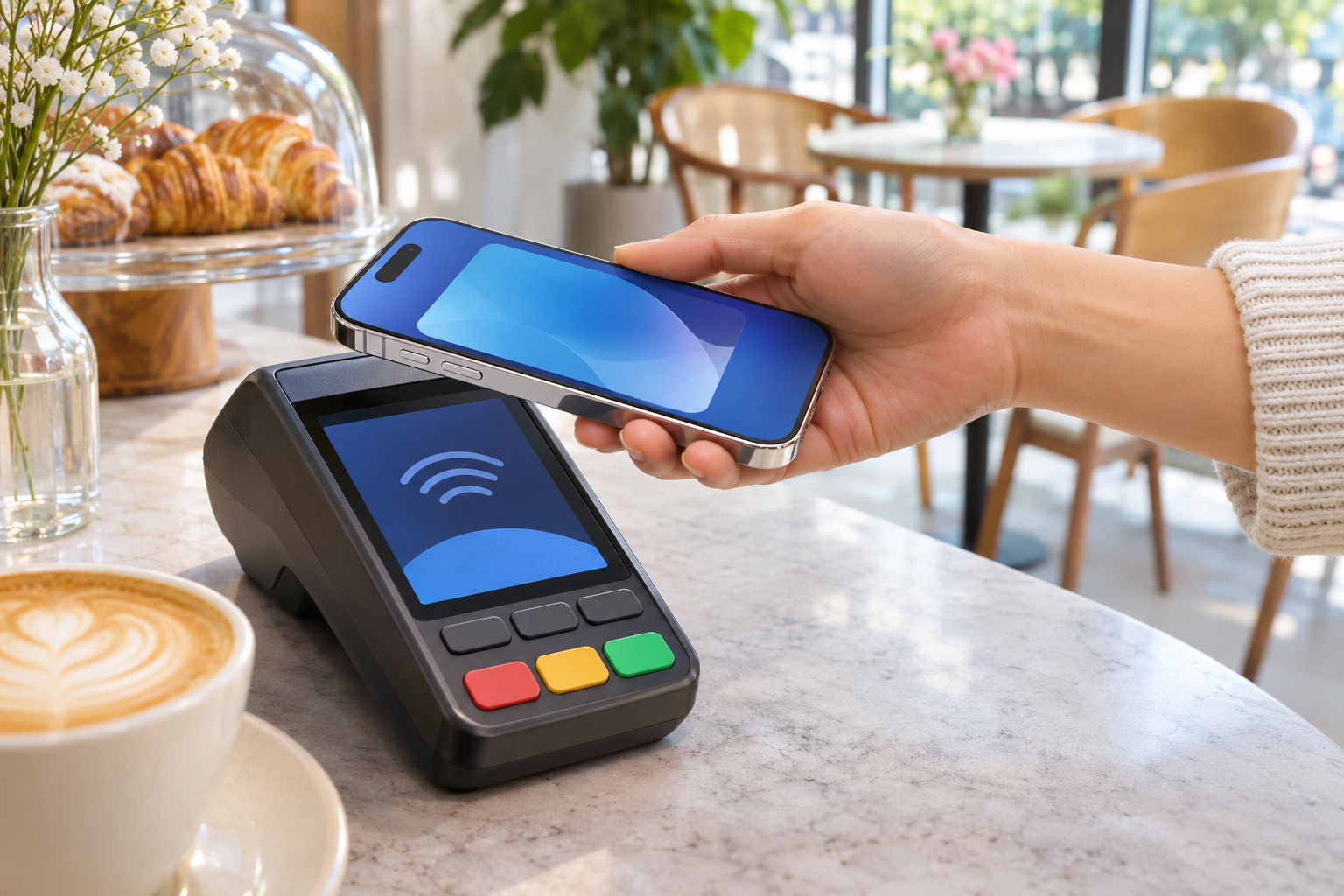
Yes, Apple Pay works in South Korea, but your card and the payment point still matter. For visitors, shop payments, app checkout and public transport need separate checks. Tmoney is available in Apple Wallet, with different funding rules for Wallet and the MobileTmoney app.
Last checked: November 2, 2026
This guide uses official help pages, announcements and Tmoney’s publisher app listing. We have not paid in Korea with a foreign card in Apple Pay, added Tmoney or tested a gate for this article.
Key takeaways
- Check both contactless payment support and acceptance of your card’s network.
In this guide
- Does Korea have Apple Pay, and which cards work?
- Will a foreign card in Apple Wallet work in Korean shops?
- How to use Apple Pay at a shop
- Can you add Tmoney to Apple Wallet?
- Can you tap a foreign bank card on the subway or bus?
- Why is Apple Pay not working in Korea?
- What to check before departure and after arrival
- FAQ
- Sources and what we checked
- A Korean issuer list does not mean every visitor must get a Korean card.
- Keep Tmoney top-ups separate from tapping a foreign bank card at a subway gate.
- Bring a physical payment card and prepare a separate transport option.
Does Korea have Apple Pay, and which cards work?
Apple’s Korean launch announcement is dated March 21, 2023. Hyundai Card’s same-day release named its Visa, Mastercard and domestic credit or debit cards as launch options.
Apple’s current country list includes South Korea. Its current issuer list names Hyundai Card under South Korea, including American Express, Mastercard, Visa and local credit and debit cards. The page warns that some cards from a listed issuer may not qualify.
Those details describe local bank-card support; overseas visitors should check their existing card separately. Do not use the launch release’s old card exclusions as today’s complete eligibility list.
Will a foreign card in Apple Wallet work in Korean shops?
Apple’s overseas-use FAQ says Apple Pay works in countries and regions supporting contactless payments, with confirmation from your bank. Apple’s iPhone guide adds another condition: the merchant must accept your particular payment card and network.
For a foreign-issued card, treat these as separate checks: the terminal’s payment method, the accepted card network and your issuer’s approval. Visa’s contactless guide explains that Apple Pay and Visa contactless cards use NFC, the short-range wireless technology used when tapping. NFC capability alone does not establish acceptance of your foreign card’s payment network. Look for the contactless payment mark and ask whether the shop accepts your card’s network.
Hyundai’s official FAQ specifically warns that Korean merchants may restrict cards issued overseas. A contactless symbol therefore does not promise success with every foreign Visa, Mastercard or other card. We did not establish a complete Korean merchant list or a reliable official terminal-coverage percentage.
Before ordering, ask about your exact payment method and keep your physical card accessible. For direct card payments and ATM questions, see our foreign cards in Korea guide.
How to use Apple Pay at a shop
For a Face ID iPhone, Apple’s payment instructions describe opening the card with the side-button double-click, authenticating, then holding the phone’s top near the reader. Wait for the completion checkmark before moving the phone away. If the wrong card appears, select the intended card before paying.
Confirm the final amount and the shop’s payment result before leaving. If a tap fails, ask the cashier whether that terminal supports contactless card payments before repeatedly trying again.
Can you add Tmoney to Apple Wallet?
Yes: Tmoney’s July 22, 2025 release announced that its Apple Wallet service was available. Tmoney’s current iPhone service page also describes using iPhone and Apple Watch for bus and subway journeys.
The important distinction is where you add money. Apple’s current Wallet instructions require a South Korea-issued credit or debit card to buy or top up Tmoney directly from Apple Wallet. Do not assume your foreign card will work through that Wallet route.
Separately, Tmoney’s current App Store release notes describe international-user support and app top-ups using Apple Pay with Mastercard, American Express, UnionPay and JCB. Visa is not included in that published list. This is an app funding route for Tmoney, not proof that every foreign bank card works at a transit gate.
We did not test the app’s screens or each issuer, and did not confirm fees for a visitor’s exact card. Check the current app guidance and charges before funding a card. For the physical-card alternative, see our T-money guide.
Can you tap a foreign bank card on the subway or bus?
Do not plan your journey around tapping your ordinary foreign bank card at a Seoul subway gate. Apple’s worldwide transit help distinguishes bank-card payments from agency transit cards and tells users to confirm local acceptance with the operator. We did not confirm general foreign-bank-card gate acceptance in Seoul from the official material reviewed.
Tmoney’s September 17, 2026 agreement targets foreign-card contactless fare payment from Seoul city buses in 2027, followed by other named bus services. That is a future rollout plan, not confirmation of live service or support for your particular Apple Pay card.
For supported Tmoney use, Apple’s Tmoney announcement describes Express Mode: when enabled, it allows a tap without waking the device. Turning on Express Mode does not itself establish that a Korean gate accepts your ordinary bank card. Prepare the supported transit card and its balance before reaching the barrier.
Why is Apple Pay not working in Korea?
First identify the failed step: adding a card, tapping at a shop, paying inside an app or funding Tmoney. Avoid treating every failure as the same Korea-wide restriction.
- At a shop, check contactless support and acceptance of your card’s network with the cashier.
- For a declined payment, contact your card issuer; Apple explains that issuers approve transactions and can decline them under their own rules.
- For an app or website, check that Apple Pay is actually offered at checkout.
- For Tmoney funding, check whether you are using Apple Wallet directly or the separate MobileTmoney app.
A working shop payment does not establish that a taxi or food-delivery app supports the same checkout route. We did not confirm a universal rule that Korean apps accept only Korean cards. Check the service’s own card-country restrictions and payment help.
For alternatives, use our Kakao Taxi guide, food-delivery guide or Kakao Pay and Naver Pay guide.
What to check before departure and after arrival
- Before departure, ask your issuer whether your exact card supports Apple Pay contactless purchases abroad, including Korea.
- Ask about overseas-use fees and any issuer restrictions.
- Pack the physical card as a backup.
- Choose your transport payment method before your first ride.
- After arrival, confirm the payment method with the shop before ordering.
- If payment fails, save the exact error wording for the issuer or service support team.
FAQ
Does Apple Pay work in Korea with a foreign card?
It can, subject to the issuer, card network and merchant accepting that payment. Check the exact card rather than assuming every overseas card works.
Can foreign visitors use Tmoney in Apple Wallet?
Check the separate MobileTmoney app route and its listed funding networks. Apple Wallet’s direct top-up rule still requires a Korean-issued card.
Can I use my foreign Visa as an Express Transit card?
We did not confirm that route for Seoul’s subway gates. Use a supported transit payment method instead of relying on the Express Mode setting alone.
Why is Tmoney not adding to Apple Wallet?
Check transit-specific device requirements, software and the funding route in Apple’s linked setup guide. For a bank card that will not add, Apple’s separate troubleshooting page also covers device compatibility and Apple Account security. Ask Tmoney about the exact transit-card error.
Why is Uber Korea Apple Pay not working?
We did not establish current Korea-specific Uber Apple Pay eligibility or a single cause for failures. Check the payment options for your actual trip and ask Uber support about the displayed error.
Sources and what we checked
We read the linked official pages and Tmoney’s publisher release notes on November 2, 2026. English explanations of Korean sources are our translations. No browser session, login, app installation or payment was performed. Merchant-by-merchant acceptance, exact visitor fees and Korea-specific Uber support remain unconfirmed.