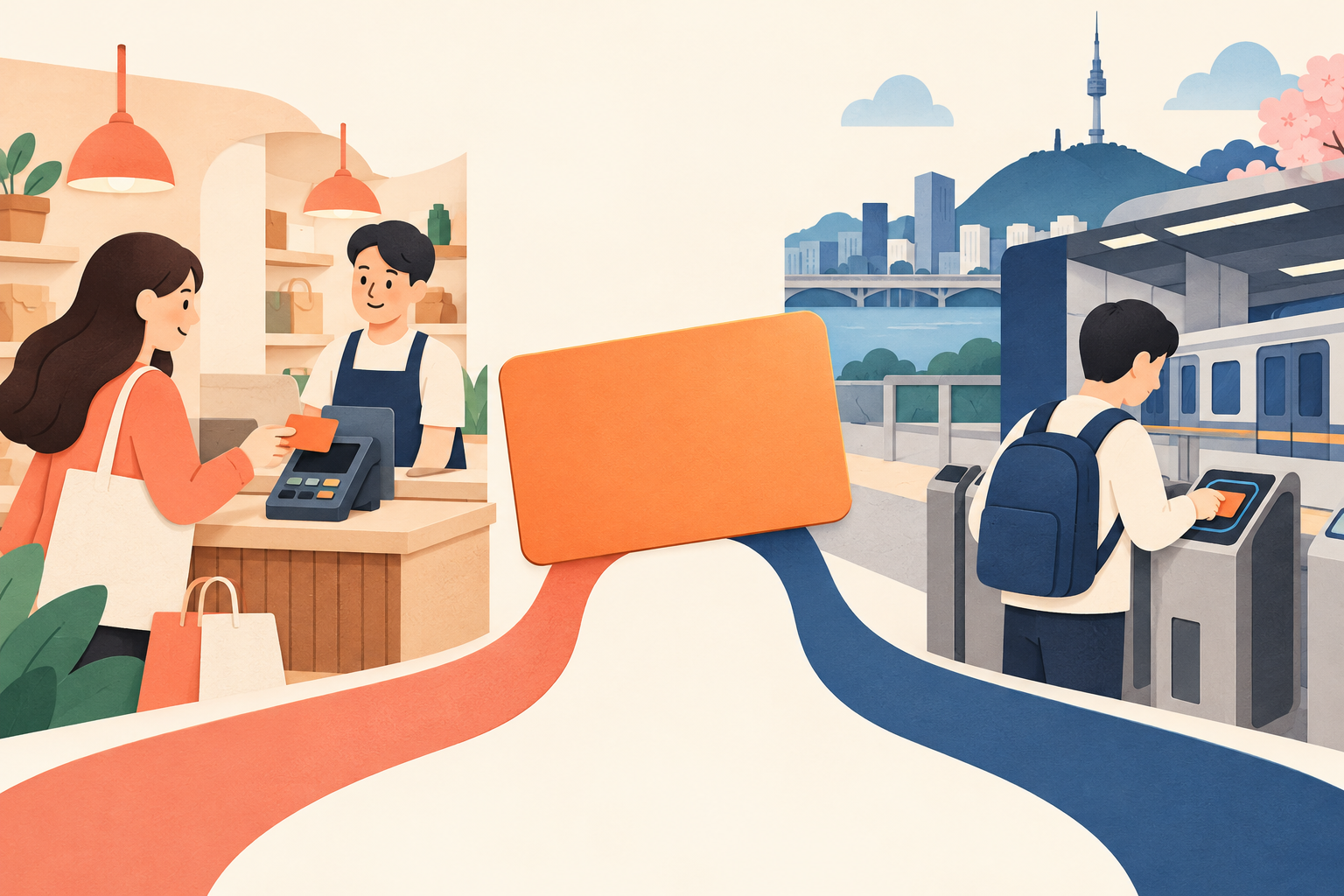
With WOWPASS in Korea, the first thing to understand is that one physical card holds two different balances. Shopping money and transport money are not a single pot. Before adding more money or trying a payment again, check which balance you need.
Last checked: October 19, 2026
This guide explains the operator’s current English instructions. We have not bought a card, loaded money, paid at a shop, used the NFC transfer or completed a refund for this article. Prices, available methods and app requirements should be checked again before you commit.
Key takeaways
- WOWPASS shopping payments and Tmoney transport payments use separate balances.
- The operator now describes an app NFC transfer from WOWPASS balance to Tmoney, as well as cash Tmoney top-ups.
- WOWPASS cash withdrawals are in Korean won: up to 100,000 won per transaction, with a 1,000-won fee each time.
- Suspending a lost card can protect its WOWPASS balance; the operator says lost-card Tmoney balance cannot be recovered.
In this guide
- Start with two balances, not one
- Choose the top-up route before adding money
- Put money into Tmoney separately
- Plan WOWPASS cash withdrawals before departure
- Treat a Tmoney refund as a separate task
- Protect the shopping balance, but limit Tmoney exposure
- FAQ
- Sources and scope
Start with two balances, not one
The official WOWPASS guide distinguishes shopping payments from public transport. It describes the shopping balance as usable at offline Korean merchants accepting local credit or debit cards, including stores that do not accept international cards. For that payment, its instruction is to insert the card’s chip into the reader.
For a subway or bus payment, its instruction is to tap the card on the transport terminal. That uses the integrated Tmoney function, which requires a separate top-up.
| What you want to do | Balance to check | Operator’s payment instruction |
|---|---|---|
| Pay at a shop | WOWPASS | Insert the chip in the shop’s card reader |
| Take a bus or subway | Tmoney | Tap the transport terminal |
| Take cash out of WOWPASS | WOWPASS | Use a WOWPASS machine and the app PIN procedure |
| Get leftover Tmoney back | Tmoney | Visit a designated Tmoney refund location |
Check the right balance. A funded WOWPASS shopping balance does not by itself mean your next bus fare is ready. Moving money into Tmoney is a separate action, even when you do it through the same app.
The checked guide’s shopping claim is about offline merchants. Do not treat it as proof that a Korean website, hotel deposit, subscription or particular payment terminal will accept the card. For a payment you cannot afford to have declined, ask the merchant first and keep another payment method available.
Choose the top-up route before adding money
For the WOWPASS shopping balance, the operator describes machine top-ups using foreign currency, Korean won or credit cards. It also lists overseas credit cards and mobile wallets as app top-up routes. Its machine section advertises support for 16 currencies.
That is a list of offered methods, not a guarantee that your particular card, wallet, banknote or machine will work. Before loading, check the method currently shown, the amount you will pay, the Korean-won amount you will receive and any displayed fee. If you are comparing cash exchange with a card-funded top-up, compare the final won amount for the same starting amount rather than only a headline exchange rate.
Use the machine locator in the official WOWPASS app or website before making a special trip. Confirm that the location is accessible when you need it; do not build a late-night departure plan around an unconfirmed machine.
If you only need a transport card, compare that simpler need with the extra shopping-balance and withdrawal steps here. Our Korea transport costs guide covers fares and ordinary Tmoney preparation; our money exchange guide explains how to compare the won you actually receive.
Put money into Tmoney separately
The operator’s current guide offers two Tmoney routes:
- Cash: top up with Korean-won cash at subway stations, convenience stores and other supported locations.
- Mobile: use the app’s NFC feature to convert WOWPASS balance into Tmoney balance.
Separate balances therefore does not mean cash is the only route. It means adding money to WOWPASS and funding Tmoney are different operations.
The English guide does not establish compatibility for every phone, app version or card, or all transfer fees and minimums. Open the app’s Tmoney top-up instructions on your own phone before relying on the NFC route. Follow its placement and completion instructions, then check that the Tmoney balance changed before going to the gate.
If your phone does not offer the needed function or the transfer does not complete, do not assume the shopping top-up failed. Check the two balances separately. Keep enough Korean-won cash for the cash route while you resolve the app issue.
Do not assume that money transferred into Tmoney can be moved straight back into the shopping balance. The checked guide describes Tmoney refunds through designated refund locations, not a reverse in-app transfer.
Plan WOWPASS cash withdrawals before departure
For leftover WOWPASS shopping money, the operator says cash withdrawal is available at a WOWPASS machine in Korean won. Its listed maximum is 100,000 won per transaction, with a 1,000-won fee per withdrawal.
The published steps are: choose a language, select WOWPASS card and Withdraw Cash, insert the card, follow the app PIN verification instructions and select the withdrawal amount. Keep both the physical card and access to the app available for this process.
The precautions say coins and amounts below 1,000 won cannot be withdrawn. Do not expect the machine to return foreign banknotes or every last won.
Leave time for leftover money. A WOWPASS withdrawal and a Tmoney refund are different errands. Work out which balance remains, where its refund route is and whether that place is open before the last journey to the airport.
If your balance is above the per-transaction limit, remember that the fee is charged per withdrawal. Avoid loading a large amount near the end of the trip without considering how you will spend or withdraw the remainder. This guide does not establish a daily withdrawal maximum or promise that repeated withdrawals will always be available.
Treat a Tmoney refund as a separate task
The operator lists a 500-won Tmoney refund fee and different locations according to the remaining balance:
| Remaining Tmoney balance, as the guide phrases it | Listed refund location |
|---|---|
| Less than 20,000 won | GS25, 7-Eleven and other listed convenience stores |
| Less than 30,000 won | CU, Emart24 and other listed convenience stores |
| Less than 50,000 won | Information centers at subway stations in Seoul |
| More than 50,000 won | Tmoney Town, Seoul Station Exit 10, first floor of Tmoney headquarters; weekdays 09:00-18:00 |
These are the operator’s published categories, not a promise from every branch or station. Confirm the particular location before traveling there.
Notice the wording at the boundaries: the checked page says “less than” and “more than.” It does not explain the exactly 50,000-won case. Ask WOWPASS or Tmoney support which location can handle your exact balance rather than turning that gap into an assumed rule.
If you have little time before a flight, do not leave a large Tmoney refund for the airport journey. Check the remaining transport money while you still have time to reach an appropriate refund location.
Protect the shopping balance, but limit Tmoney exposure
The operator says a lost WOWPASS card can be suspended immediately through the app to protect the WOWPASS balance. After card reissuance, it says the lost card’s WOWPASS balance can be used again.
It explicitly makes a different statement about Tmoney: that balance cannot be recovered after loss, even if a WOWPASS card is reissued. Do not treat the shopping-balance protection as insurance for transport money.
Keep app access working and learn where the suspension control is before you need it. Load Tmoney in amounts appropriate for your upcoming travel rather than assuming an oversized transport balance has the same protection as shopping funds.
The precautions also say the card balance remains valid for six years from the last top-up or reissuance date. That is not a reason to ignore lost-card risks or leave the app inaccessible between trips. Check the current conditions again before returning.
FAQ
Can I use my WOWPASS shopping balance directly on a bus?
The bus payment uses Tmoney. Check and fund that balance separately; a shopping balance alone is not confirmation that you have transport credit.
Can I move WOWPASS money into Tmoney through the app?
The current English guide says the app’s NFC feature can convert WOWPASS balance to Tmoney balance. Check the instructions and availability on your own phone; this article does not claim a tested transfer or universal compatibility.
Can I withdraw Tmoney money at a WOWPASS machine?
Do not confuse the two routes. The guide describes WOWPASS cash withdrawal at its machines and Tmoney refunds at designated Tmoney locations.
Will replacing a lost card restore both balances?
No. The operator describes protection and reuse of the WOWPASS balance after suspension and reissuance, but says lost-card Tmoney money cannot be recovered.
Sources and scope
Source: WOWPASS official English guide, including Where to Use, WOWPASS Top up, WOWPASS Balance Withdrawal, Tmoney Top up, Tmoney Refund, and Balance Protection and Precautions, checked October 19, 2026.
This is a reading of published operator instructions, not a hands-on payment test or a recommendation to load a particular amount. It does not compare every travel card, confirm individual phone or bank compatibility, establish issuance fees or certify a particular merchant. The cover is a conceptual illustration, not a product photograph.