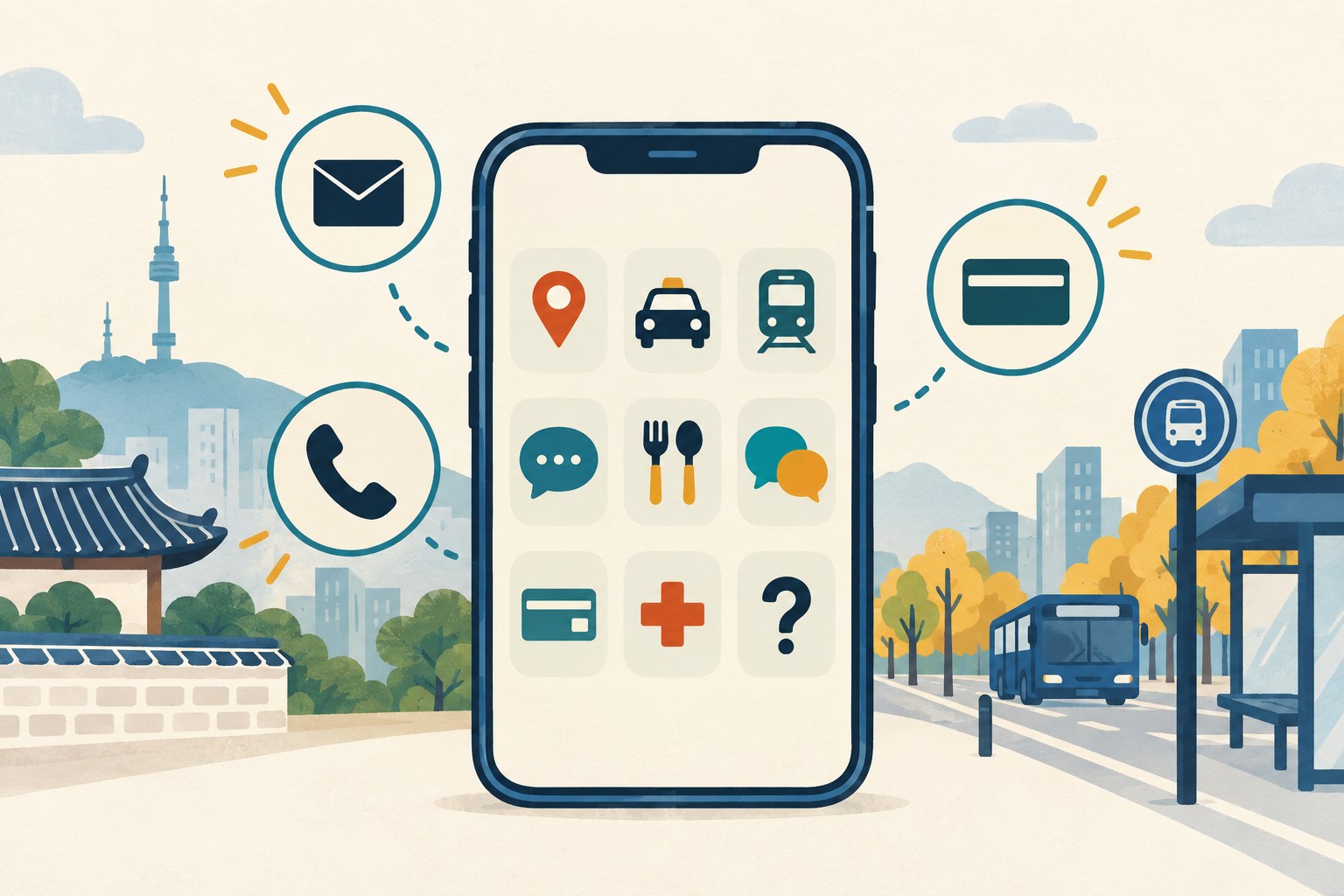
Short answer: Korea’s tourism board, the Korea Tourism Organization (KTO), keeps a list of recommended travel apps, and says the page was last updated in August 2026. We do not rank them. Instead, this guide sorts the main ones by what they ask of a visitor: a Korean phone number, a card or an account. For maps, our earlier side-by-side guide points English readers to NAVER Map first, with KakaoMap as a second opinion. For taxis, KTO says k.ride can be registered with a phone number, email, Google or Apple account, while Kakao T asks for identity verification through your mobile phone. Mobile Tmoney’s iPhone listing says no sign-up is required, and Shuttle and Catchtable’s global app say you do not need a Korean phone number. Where we have already tested an app, we link the guide that reports what we saw.
Last checked: October 10, 2026. We read KTO’s “Helpful Apps & Resources” page and the operators’ own pages and App Store listings cited below. We did not install, sign up for or pay in any app for this guide. Hands-on results come from our earlier guides, and each one gives its own test date.
Quick answers
| App | Use it for | Sign-up and phone number | Paying |
|---|---|---|---|
| NAVER Map | Maps and directions | Saving places needs a NAVER account, and NAVER’s sign-up asks for a mobile number that can receive a text message | — |
| k.ride | Taxis, for international visitors only | Phone number, email, Google or Apple account (KTO) | Cards from overseas and Alipay+ (KTO) |
| Kakao T | Kakao Taxi | Identity verification through your mobile phone | Visa, Mastercard, JCB and American Express cards issued outside Korea, per Kakao T’s help center |
| KORAIL+ | Train tickets | The foreign website retrieves bookings with the e-mail address and password used at purchase | A Korail Pass needs a valid passport and a credit card |
| Mobile Tmoney (iPhone) | Buses and subways | “No sign-up required” (iPhone listing) | Top-up needs a credit or debit card added to Apple Pay |
| WOWPASS | Prepaid card for exchange, payment and transit | — | Mobile top-up: “Mastercard, JCB, VISA(Paypal) supported” |
| Papago | Translation | — | — |
| Shuttle | Food delivery | No Korean phone number needed: sign up with an email | International and Korean credit cards, PayPal, KakaoPay (App Store listing) |
| Catchtable (global app) | Restaurant bookings | “No Korean phone number required” | Email and credit card |
| Emergency Ready app | Disaster alerts, shelters, first aid | — | — |
| 1330 Korea Travel Helpline | Travel questions by phone or chat | — | — |
1. Maps: NAVER Map, with KakaoMap as a second opinion
KTO says “Naver Maps is the most widely used online map among Koreans.” Our guide to NAVER Map for foreigners says: “Foreigners can switch NAVER Map to English, and NAVER’s Google Play listing says its maps and driving navigation are provided in English.”
Our earlier side-by-side guide compared the two big maps on their desktop sites: “NAVER put the place we meant first 9 times; KakaoMap did 4 times” out of ten English searches. Our advice from that guide: “If you read only English, start with NAVER Map and keep KakaoMap as a second opinion.” The full results are in NAVER Map vs KakaoMap. For planning on a computer, see our guides to the NAVER Map desktop site and the KakaoMap desktop site.
What the map asks of you:
- An account to save places. Our bookmarks guide reports: “You need a NAVER account to save: without signing in, NAVER’s save buttons sent us to the sign-in page.”
- A phone number for that account. Our NAVER sign-up guide says the sign-up page “works in English and asks for a mobile phone number that can receive a text message.”
- A passport check for some services. Our NAVER Map guide says that “since June 4, 2026, Passport Verification has given visitors with a non-Korean passport access to supported booking, ordering, and payment services in NAVER Map without a Korean mobile number.” If it fails, see NAVER passport verification not working.
- A data connection. Our offline guide, which tested the iPhone app, reports that with the internet off, the app “opened to a warning saying NAVER Map needs an internet connection and would not show the map.”
2. Taxis: k.ride or Kakao T
KTO lists k.ride, which it calls “a mobility service exclusive to international visitors.” KTO says: “The application can be easily downloaded via Android or iOS and registered via phone number, email, Google, or Apple account.” It adds: “Users can use credit cards from overseas as well as simple payment apps including Alipay+.”
Kakao T is not on KTO’s list, but our Kakao Taxi guide notes that “Kakao Taxi is booked in the Kakao T app, and its US App Store listing includes English among the app’s languages.” The same guide says: “The catch is signing up: Kakao T asks for identity verification through your mobile phone, and its help center does not explain how a visitor does that.” For payment, it says Kakao T’s help center “says the app accepts cards issued outside Korea from Visa, Mastercard, JCB and American Express for taxis.”
The two are linked: our guide says Kakao Mobility “also runs k.ride, an app for foreign visitors that lets you sign up with Google, Apple or email and calls Kakao T taxis.”
3. Trains: KORAIL+ and the Korail Pass
KTO says: “The Let’s Korail website and Korail+ app are the official train ticket platforms operated by the Korea Railroad (KORAIL).” On the App Store, the app now appears as KORAIL+: “KORAIL+ is the official mobile app of Korea Railroad Corporation (KORAIL).”
KORAIL’s English site says: “You can buy tickets via the KORAIL website (www.korail.com), KORAIL+ (mobile app), ticket vending machines, and train stations (not available at subway stations).” For bookings made on that site, it says: “You can confirm your ticket reservations by entering the e-mail address and password you used when purchasing the ticket.”
If you plan to ride trains a lot, look at the Korail Pass. KORAIL says: “Any foreigners visiting Korea can travel with the KORAIL PASS.” Before you buy, note three conditions from KORAIL’s pages:
- “A valid passport and credit card are required to purchase a KORAIL PASS.”
- “All information must match exactly with the information on the passport.”
- “You cannot board SRT trains, metropolitan subway trains, and special tourist trains with a KORAIL PASS.”
KTO says the pass “can be purchased at the Let’s Korail website, designated tour agencies, and Korail Tourist Information Center in Seoul, Yongsan, and Busan Stations.”
For booking a train ticket in English step by step, and what changed in 2026, see our guide to booking Korea train tickets in English.
4. Transit cards and money: Mobile Tmoney, WOWPASS and GoHanpass
Mobile Tmoney. KTO describes it as “A mobile transportation card app that lets you use public transit with your smartphone, without a physical card.” Its iPhone listing, published by Tmoney, says: “Just tap your iPhone or Apple Watch and ride instantly.” The same listing says “No sign-up required” and “A credit or debit card added to Apple Pay is required for top-up.” It needs an “iPhone XS / XR or later with iOS 17.2 or later.” One catch from Tmoney’s own blog: “Apple Pay Tmoney balance refunds can only be requested through the Mobile Tmoney app, to a bank account in your own name.” The iPhone listing does not say which card brands work for top-up, so check before you rely on it.
WOWPASS. Its App Store listing calls it “an all-in-one prepaid card for foreign travelers in Korea, covering money exchange, payment, transportation, and brand rewards.” KTO says: “You can add and withdraw funds at exchange kiosks or through the WOWPASS app.” WOWPASS’s guide says its balance can be used at shops in Korea that accept local credit or debit cards, “even at stores that do not accept international credit cards,” and that “The Tmoney balance needs to be topped up separately from WOWPASS balance.”
GoHanpass. KTO says it “supports both transportation and payments during your travels in Korea, with easy sign-up using your passport.” Its operator, Hanpass, says you can “Top up your wallet in KRW using international cards, global wallets, convenience stores, or ATMs.” Its App Store listing says to pick up the transit card at “Incheon Airport, KT Roaming Centers and selected locations.”
Seoul Bike. KTO lists Seoul’s public bikes, run by the Seoul Metropolitan Government. The Seoul Bike site says, in Korean, that you can use it without signing up, and that in the Foreigner mode a credit card must be issued outside Korea. The same page says non-members can choose a 1-hour or 2-hour day pass, while KTO says the Daily Ticket “offers flexible time limits of 1, 2, or 3 hours,” so check the app before a long ride. Seoul’s English site warns: “If not returned within 4 hours (general) or 6 hours (premium), it is considered to have been stolen or lost and will be reported to the police.”
5. Talking: Papago and KakaoTalk
KTO says: “Papago is the most widely used online translator app among Korean speakers.” It says Papago “can also recognize and extract texts from different sources such as images, handwritings, webpages, and words spoken out loud.” Papago’s App Store listing, published by NAVER, says it supports 14 languages, and adds: “Use text translation even without an internet connection.”
KakaoTalk is not on KTO’s list either. Our KakaoTalk verification guide says “KakaoTalk is available in 230 officially registered international country codes,” and that “Kakao warns that repeated attempts can restrict you.”
6. Food: Shuttle, Baemin and Catchtable
Shuttle. Its App Store listing says: “No Korean Phone Number Needed – Sign up with just an email, phone verification is optional (but required for using Shuttle credit).” It says you can “Pay with major international/Korean credit cards, PayPal, KakaoPay,” while Shuttle’s FAQ is narrower: “We accept payment by all major credit cards and Korean debit cards.” Check the payment options in the app before you order. Two more catches: “Menu content is currently available in English and Korean only,” and Shuttle’s website says it serves “Seoul, Osan, Pyeongtaek, Daegu, and Busan.” Its FAQ also says that once the restaurant confirms your order, “you will receive a text message to the phone number linked to your account with an approximate delivery time.”
Baemin. Our food delivery guide says: “In August its operator said foreigners can order without signing up after verifying an overseas phone number by text message.”
Catchtable. KTO calls it “a booking platform for saving seats at restaurants.” Its global App Store listing says “No Korean phone number required” and “Pay easily with your existing email and credit card.” On Android, Catchtable’s global app is a separate Google Play listing, so check that you install the global one.
7. Help and emergencies: Emergency Ready and 1330
KTO says: “The Emergency Ready app is a multilingual emergency guide made by the Korean government.” “It provides disaster alerts and information on civil defense shelters, emergency medical centers, police stations, fire stations, embassy information, and safety guides.” Seoul’s city site says the Ministry of the Interior and Safety “provides prompt and accurate disaster information in 22 languages, including English, Chinese, and Japanese.” The app’s US App Store listing, published by the ministry, shows only English in its language field, so the 22 languages may describe the ministry’s disaster information rather than every screen of the app.
KTO describes the 1330 Korea Travel Helpline as “a telephone and real-time chat service.” The number is “1330 (in Korea), +82-2-1330 (from Overseas).” KTO’s service charter, in Korean, says text chat is offered in Korean, English, Japanese and Chinese, through the 1330 messenger, KakaoTalk, Facebook Messenger and LINE, and that Russian, Vietnamese, Thai and Malay/Indonesian are phone-only, from 8:00 to 19:00.
KTO’s own VISITKOREA app also has a Travel Basics menu where, its listing says, “you can find useful information such as visa and entry requirements, emergency contacts, operating hours of public agencies and tourist police.”
8. Before you fly
These are our suggestions, based on the pages and guides above:
- Get a data connection first. NAVER Map, at least, would not show the map offline in our guide’s test. Our eSIM guide says “for maps, messaging and browsing, a data-only eSIM is enough,” but also: “The catch is that a Korean number is not the same as Korean identity verification.”
- Sign up for text-code apps while your home number can receive texts. NAVER and KakaoTalk send a code to a phone number.
- Choose by sign-up method, not by popularity. If you cannot verify a Korean phone, the apps above that sign up with email, Google, Apple or a passport are the simpler route.
- Check the card rule before you top up. Each app names different cards, and Mobile Tmoney’s iPhone refunds go to a bank account in your own name.
What we checked and what we didn’t
We read KTO’s “Helpful Apps & Resources” page, KORAIL’s English site, and the operators’ own pages and App Store listings cited above on October 10, 2026. We did not install, sign up for or pay in any app for this guide. Where a sentence reports what we saw, it comes from one of our earlier hands-on guides, linked in that sentence. App features, sign-up rules and accepted cards change, so check the app’s own page before you rely on it.